Screenshot Testing vs Manual QA: Which Approach Catches More Bugs?
A detailed comparison of automated screenshot testing and manual visual QA. Learn the strengths and weaknesses of each approach, when to use which, and how to combine them for maximum coverage.
Screenshot Testing vs Manual QA: Which Approach Catches More Bugs?
Every web team does some form of visual quality assurance. For many, that means a developer or QA engineer manually clicking through pages before a release, eyeballing the layout, and declaring it "looks fine." For others, it means automated screenshot comparison that flags every pixel-level change for review.
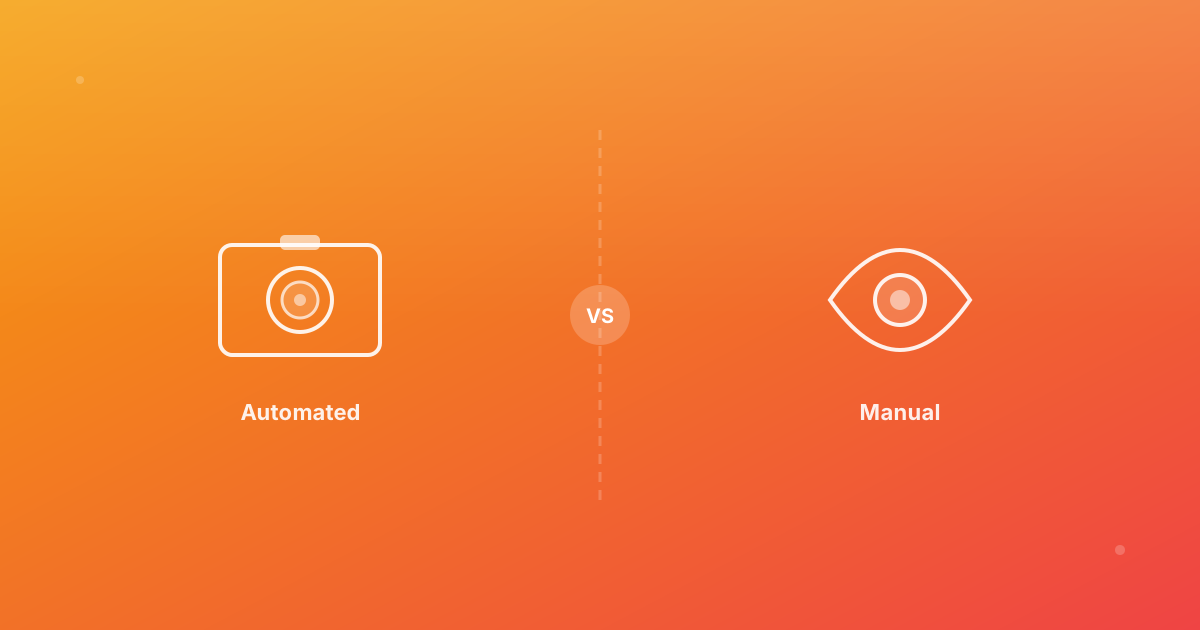
Both approaches catch bugs. Neither catches everything. This guide compares automated screenshot testing and manual visual QA across the dimensions that matter: coverage, consistency, speed, cost, and the types of bugs each approach is best at finding.
How manual visual QA works
Manual visual QA is straightforward: a person opens the application in a browser, navigates through key pages and user flows, and visually inspects the interface for problems. The inspector checks layout, spacing, typography, color, interactive states, and general "does this look right" quality.
Strengths of manual QA
- Context awareness — a human reviewer understands intent. They can judge whether a layout "feels right" even when there is no pixel-perfect spec. They notice when a button label is misleading or when content ordering is confusing.
- Interactive state coverage — manual testing naturally covers hover states, form interactions, animations, and multi-step flows. A tester can open a dropdown, fill a form, trigger an error, and verify the visual result in one pass.
- No setup cost — manual QA requires no tooling, no configuration, and no maintenance. Anyone on the team can do it immediately.
- Exploratory discovery — experienced testers find bugs in places nobody thought to check. They notice a tooltip clipping the viewport edge, or a modal that does not center on a small screen. This discovery-driven approach catches bugs that predefined tests would miss.
Weaknesses of manual QA
- Inconsistency — different people notice different things. The same person may catch a bug on Monday and miss it on Friday. There is no guarantee that any given check covers the same ground as the last one.
- Incomplete coverage — manual checking of 20 pages across 3 browsers and 3 devices is 180 individual inspections. In practice, most teams check a handful of pages on one browser and call it done.
- No history — manual QA produces no artifact. There is no record of what the UI looked like before the change, making it impossible to detect gradual drift.
- Time cost — thorough manual visual QA for a medium-sized application takes hours. Under deadline pressure, it gets abbreviated or skipped entirely.
- Cross-browser blind spots — testers typically check their primary browser. Firefox-only or Safari-only regressions go unnoticed until users report them.
How automated screenshot testing works
Automated screenshot testing captures images of your UI in a controlled environment, compares them against approved baselines, and flags differences that exceed a configured threshold. The process runs in CI without human intervention and produces a detailed diff report for review.
For a deep dive into the mechanics, see our guide on visual regression testing.
Strengths of screenshot testing
- Consistency — the same test produces the same result every time. Every page, every browser, every device combination is checked identically on every run.
- Complete coverage — automated tests can cover hundreds of pages across multiple browsers and devices in minutes. Coverage does not degrade under time pressure.
- Historical baselines — every test run produces artifacts. You can compare the current state against any previous baseline, making it easy to trace when and where a regression was introduced.
- Cross-browser by default — a properly configured test matrix includes Chromium, Firefox, and WebKit. Browser-specific regressions are caught automatically.
- Speed — a full visual test suite covering 50 pages across 3 browsers and 2 devices can complete in under 5 minutes. The equivalent manual check would take an entire day.
- CI integration — screenshot tests run on every pull request, providing feedback before code is merged. See our CI/CD automation guide for setup details.
Weaknesses of screenshot testing
- No understanding of intent — automated tools detect that something changed, but they cannot judge whether the change is good or bad. A human must still review every diff.
- Limited interactive coverage — screenshot tests capture a static moment. They do not easily verify hover states, animations, drag-and-drop interactions, or multi-step flows unless each state is explicitly scripted.
- False positives — anti-aliasing differences, font rendering variations, and dynamic content (timestamps, ads) can produce diffs that are not real bugs. Poorly tuned thresholds lead to alert fatigue.
- Setup and maintenance — configuring test environments, managing baselines, and tuning thresholds requires an upfront investment. Baseline updates must be reviewed and approved.
- Dynamic content challenges — pages with live data, user-generated content, or A/B tests require stabilization strategies (seeded data, masking, waiting) to produce reliable results.
What each approach catches best
The two approaches excel at finding different categories of bugs:
| Bug category | Manual QA | Screenshot testing |
|---|---|---|
| Layout shifts and misalignment | Good | Excellent |
| Cross-browser CSS differences | Poor (limited browsers checked) | Excellent |
| Responsive breakpoint bugs | Moderate (if tester checks multiple widths) | Excellent |
| Typography and font issues | Good | Excellent |
| Color and contrast problems | Good | Good |
| Interactive state bugs (hover, focus) | Excellent | Poor (unless explicitly scripted) |
| Animation and transition bugs | Excellent | Poor |
| Content ordering and readability | Excellent | Poor (no semantic understanding) |
| Gradual visual drift over time | Poor (no historical comparison) | Excellent |
| Third-party widget changes | Moderate | Good |
| Accessibility-related visual issues | Good (with trained tester) | Moderate |
The pattern is clear: screenshot testing excels at breadth — catching the same categories of bugs consistently across many pages, browsers, and devices. Manual QA excels at depth — understanding context, evaluating quality, and catching issues that require human judgment.
When to use which approach
Use screenshot testing when
- You need to verify visual consistency across multiple browsers and devices.
- You want to catch regressions automatically on every pull request.
- Your team cannot afford the time for thorough manual checks on every release.
- You need to monitor production for unexpected visual changes. See our visual monitoring guide for this use case.
- You want a historical record of your UI state over time.
Use manual QA when
- You are evaluating the quality of a new design implementation for the first time.
- You need to verify interactive behaviors: form flows, modals, tooltips, drag-and-drop.
- You are assessing subjective quality: does the page "feel right," is the content hierarchy clear, is the experience intuitive.
- You are doing exploratory testing to find bugs in unexpected places.
Use both when
The most effective visual QA strategy combines both approaches. Automated screenshot tests handle the broad, repetitive verification: every page, every browser, every breakpoint, on every PR. Manual QA handles the contextual, judgment-based checks: interactive states, user experience quality, and exploratory testing.
A practical split:
- 80% automated — layout, cross-browser consistency, responsive behavior, regression detection.
- 20% manual — interactive states, new feature evaluation, exploratory checks, accessibility review.
This ratio gives you near-complete coverage while keeping the manual effort focused on areas where human judgment adds the most value.
Cost comparison
The cost equation shifts significantly over time:
Manual QA costs scale linearly with your application. More pages, more browsers, more releases mean proportionally more testing hours. A team that releases weekly and checks 30 pages across 3 browsers spends roughly 4–6 hours per release on visual QA. That is 200–300 hours per year.
Screenshot testing costs are front-loaded. Setup takes a few hours, and ongoing maintenance adds 1–2 hours per month for baseline reviews and threshold tuning. But the per-release cost is near zero — CI runs the tests automatically.
For teams releasing frequently (weekly or more), automated screenshot testing pays for itself within the first month.
Building a combined workflow
Here is a practical workflow that uses both approaches:
- Automated PR checks — screenshot tests run on every pull request, comparing against approved baselines across browsers and devices.
- Automated diff review — a team member reviews the flagged diffs in the comparison dashboard. Intentional changes are approved, regressions are flagged for fixes.
- Manual interaction testing — before release, a tester spends 30–60 minutes verifying interactive states, new features, and edge cases that screenshots cannot capture.
- Release gate — the release is approved only when both automated checks pass and manual testing is complete.
- Production monitoring — after release, scheduled scans monitor the live site for unexpected visual changes.
Continue with ScanU
ScanU handles the automated side of visual QA: screenshot capture, baseline comparison, cross-browser testing, and diff reporting. Your team focuses on the high-judgment work that only humans can do. Explore plan options on Pricing, see the platform on Features, and learn how testing works on How It Works.