Best Percy Alternatives for Affordable Visual Testing in 2026
Looking for a Percy alternative that won't break the bank? Compare the top visual regression testing tools by price, features, privacy, and ease of use — and find the right fit for your team.
Best Percy Alternatives for Affordable Visual Testing in 2026
Percy set the standard for visual regression testing. But for freelancers, small teams, and growing agencies, its pricing — starting well above $300 per month — can be difficult to justify. If you need reliable visual testing without an enterprise budget, you have options.
This guide compares the most practical Percy alternatives based on what actually matters: price, browser coverage, privacy, ease of setup, and how well each tool fits smaller teams.
Why Teams Look for Percy Alternatives
Percy is a powerful tool. It integrates deeply with CI/CD pipelines, supports component-level testing, and handles large-scale screenshot workflows. For enterprise teams with dedicated QA infrastructure, it makes sense.
But most teams are not enterprise teams. The reality for many developers and agencies looks more like this:
- Budget constraints. Percy's pricing puts it out of reach for freelancers and small shops.
- Complexity overhead. Deep CI/CD integration is great — until your team spends more time configuring pipelines than actually testing.
- Privacy requirements. European teams need GDPR-focused solutions with data hosted in the EU, which not all US-based tools provide.
- Overkill for the use case. Many teams just need to check that their pages look right across browsers and devices before deploying.
If any of these sound familiar, a simpler and more affordable alternative is worth evaluating.
What to Look for in a Visual Testing Tool
Before comparing specific tools, here is what separates a good visual testing tool from a mediocre one:
Cross-Browser Support
Testing only in Chrome is not enough. Your users browse in Firefox, Safari, and Edge. A good tool tests across multiple browsers without extra configuration or add-on fees.
Device and Viewport Coverage
Responsive design means testing across screen sizes — mobile, tablet, laptop, and desktop. Look for tools with built-in device presets rather than ones that require manual viewport configuration.
Baseline and Diff Workflow
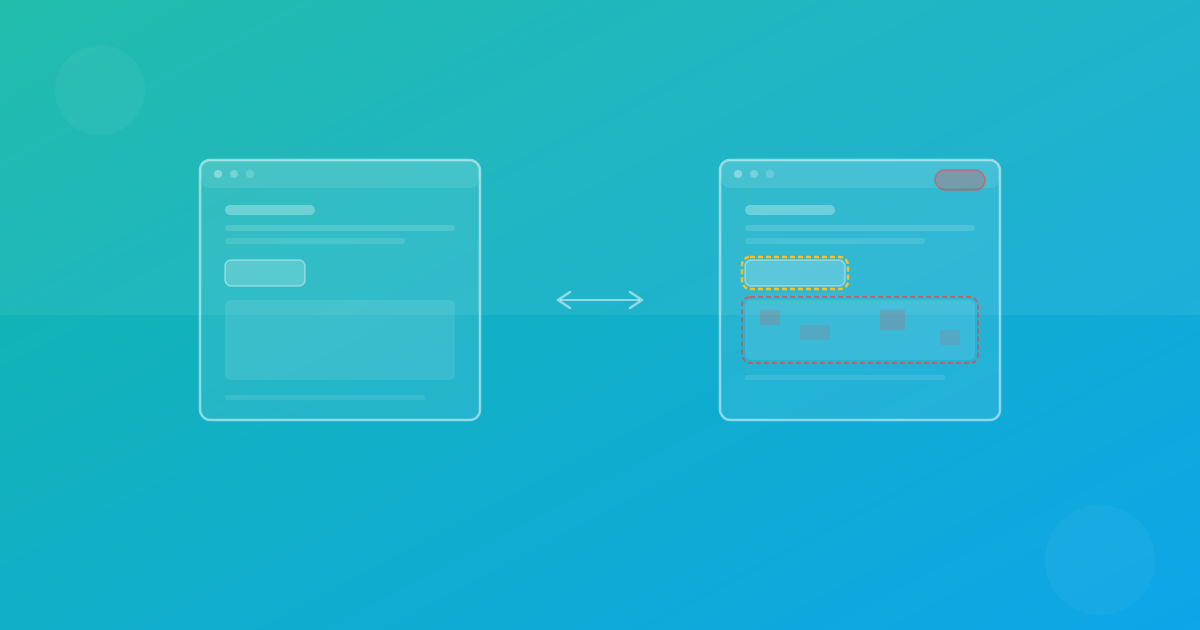
The core workflow — capture a baseline, run a new test, compare the diff — should be straightforward. Approval and rejection of changes should take seconds, not minutes.
Privacy and Data Hosting
If your team operates in the EU or serves EU customers, you need to know where your screenshot data is stored and processed. GDPR compliance is not optional.
Setup Time
If a tool requires hours of configuration before you can run your first test, it is already working against you. The best tools let you start testing within minutes.
Comparing the Top Percy Alternatives
ScanU
ScanU is a cloud-based visual regression testing platform built specifically for teams that need reliable cross-browser testing without enterprise pricing or complex setup.
Pricing: Free tier available. Paid plans start at €19/month (Pro), with Pro+ at €29/month and Max at €49/month. Yearly billing saves up to two months.
Key strengths:
- Chrome, Firefox, and Safari testing included in every plan — no browser add-ons
- 100+ device presets covering mobile, tablet, laptop, and desktop
- EU data hosting in Frankfurt, Germany — GDPR-focused by default
- Zero setup required — sign up, create a project, start testing
- Pixel-level diff comparison with configurable thresholds
- Scheduled visual monitoring with cron-based automation
- Slack integration for diff alerts and baseline approvals
- Screenshot retention from 3 to 90 days depending on the plan
Best for: Freelancers, small teams, and agencies who want affordable, privacy-conscious visual testing with no infrastructure overhead.
Chromatic
Chromatic focuses on component-level visual testing tightly integrated with Storybook. It is well-suited for teams that already use Storybook for component development.
Pricing: Starts around $149/month for small teams. Enterprise pricing is significantly higher.
Key strengths:
- Deep Storybook integration for component-level screenshots
- UI review workflow with approval process
- Good documentation and community
Limitations:
- Requires Storybook — not useful for full-page or multi-page testing
- Pricing scales quickly with team size and snapshot volume
- US-based data hosting
Best for: Teams that already use Storybook and want component-focused visual testing.
BackstopJS
BackstopJS is an open-source visual regression testing tool that runs locally using Puppeteer or Playwright.
Pricing: Free and open source.
Key strengths:
- No subscription costs
- Full control over the testing environment
- Configurable viewports and scenarios
Limitations:
- Requires local infrastructure setup and maintenance
- No built-in cloud dashboard or collaboration features
- No scheduled monitoring
- Browser support depends on your local setup
Best for: Solo developers comfortable with command-line tools who want a free, self-hosted solution and do not mind the maintenance overhead.
Playwright (DIY)
Playwright itself supports screenshot capture and comparison natively. Some teams build their own visual testing workflows on top of it.
Pricing: Free and open source.
Key strengths:
- Full control over the testing stack
- Chrome, Firefox, and WebKit support
- Excellent documentation
Limitations:
- You build and maintain everything yourself — diff tooling, baselines, dashboards, notifications
- No collaboration workflow without custom development
- Infrastructure costs for running browsers in CI
- No device presets — manual viewport configuration required
Best for: Teams with strong DevOps capabilities who prefer to own their entire testing stack.
Side-by-Side Comparison
| Feature | ScanU | Percy | Chromatic | BackstopJS | Playwright DIY |
|---|---|---|---|---|---|
| Starting price | Free / €19/mo | ~$300+/mo | ~$149/mo | Free | Free |
| Chrome, Firefox, Safari | All included | Yes | Chrome only | Manual setup | Yes |
| Device presets | 100+ | Limited | N/A | Manual | Manual |
| EU data hosting | Yes (Frankfurt) | No | No | Self-hosted | Self-hosted |
| Setup time | Minutes | Hours | Hours | Hours | Days |
| Scheduled monitoring | Yes | No | No | No | Custom build |
| Slack integration | Yes | Yes | Yes | No | Custom build |
| No infrastructure needed | Yes | Yes | Yes | No | No |
How to Choose the Right Tool for Your Team
The right choice depends on your situation:
- You need affordable, full-featured visual testing with EU privacy: ScanU gives you cross-browser testing, device presets, and GDPR compliance starting at €19/month.
- You are heavily invested in Storybook: Chromatic is the natural fit for component-level visual testing.
- You want free and do not mind maintaining infrastructure: BackstopJS or a DIY Playwright setup can work, but factor in the time cost of setup and maintenance.
- You have enterprise budget and need deep CI/CD integration: Percy remains strong for large teams with complex pipelines.
For most small-to-medium teams, the question comes down to value: how much reliable visual testing can you get without overcommitting on budget or setup time?
Start Testing Today
ScanU offers a free tier with 500 screenshots per month — enough to evaluate the platform on real projects with no credit card required. Create a project, run your first cross-browser test, and see the results in minutes.
If you are comparing tools, start with a real test on your own site. The best way to evaluate any visual testing tool is to see how it performs on your actual pages, with your actual browsers and devices.