The Real Cost of Visual Bugs: Why Automated Screenshot Testing Pays for Itself
Visual bugs are expensive — not because of the fix, but because of the trust they break. Learn how automated visual testing reduces rework, protects revenue, and pays for itself within weeks.
The Real Cost of Visual Bugs: Why Automated Screenshot Testing Pays for Itself
A misaligned button does not crash your application. A clipped heading does not throw an error. A broken layout on mobile does not trigger any alert in your monitoring stack.
But visual bugs are expensive. Not because of the code fix — which is usually trivial — but because of everything that happens between the bug shipping and someone noticing it.
What Visual Bugs Actually Cost
The direct cost of fixing a CSS issue is typically small: a developer spends 15 to 30 minutes identifying the problem and pushing a fix. But the real cost includes everything around that fix.
Lost Revenue
For e-commerce sites, a broken product page or misaligned checkout button directly impacts conversion rates. If customers cannot find the "Add to Cart" button because it is rendered off-screen on certain devices, you lose sales for every hour the bug remains live.
Even small conversion drops add up. A 0.5% decrease in conversion rate on a site processing €100,000 per month means €500 in lost revenue — from a single visual bug.
Customer Trust Erosion
Users judge your product by how it looks. A site with overlapping text, broken layouts, or inconsistent styling signals carelessness. For SaaS products, this directly undermines the trust that drives subscription revenue.
First impressions happen fast. If a potential customer lands on a page with visible layout issues, they form an opinion about your product quality before reading a single word of copy.
Support and Complaint Handling
Visual bugs generate support tickets. Customers report "the site looks broken" or "I cannot click the button on my phone." Each ticket takes time to triage, reproduce, and resolve — time that your support team could spend on actual product issues.
Revision Cycles for Agencies
For agencies and freelancers, visual bugs in client deliverables trigger revision rounds. Each round costs time, delays project completion, and reduces effective hourly rates. Three unnecessary revision cycles on a project can easily consume a full day of unbilled work.
Developer Context Switching
When a visual bug is reported in production, a developer has to stop what they are working on, switch context, reproduce the issue, identify the cause, fix it, test it, and deploy. The interruption cost often exceeds the actual fix time by a factor of three or four.
Why Manual QA Does Not Scale
Many teams rely on manual visual checks: a developer opens the site in a couple of browsers, scrolls through the key pages, and declares it "looks fine." This approach has fundamental problems:
It is inconsistent. What one person checks on Monday is different from what another person checks on Friday. There is no repeatable standard.
It misses edge cases. Manual checks typically cover Chrome on a laptop. They miss Safari on iPhone SE, Firefox on a 4K monitor, or Chrome on a Galaxy Fold. Visual bugs frequently appear on the devices and browsers that nobody checked manually.
It does not scale. Checking 5 pages across 3 browsers and 4 devices means 60 individual checks. For a site with 50 pages, that is 600 checks. No human does this thoroughly under deadline pressure.
It leaves no record. If a client asks "did you test this on mobile before deploying?", manual QA provides no evidence. There are no screenshots, no diffs, no timestamps.
How Automated Visual Testing Changes the Economics
Automated visual testing replaces inconsistent manual checks with a systematic, repeatable process. Here is how it shifts the cost equation:
Catch Bugs Before They Ship
The most expensive bug is the one that reaches production. Automated visual testing catches layout regressions during development, before they affect real users. A bug caught in staging costs minutes to fix. The same bug caught in production costs hours of investigation, emergency deployment, and reputation damage.
Test Comprehensively in Minutes
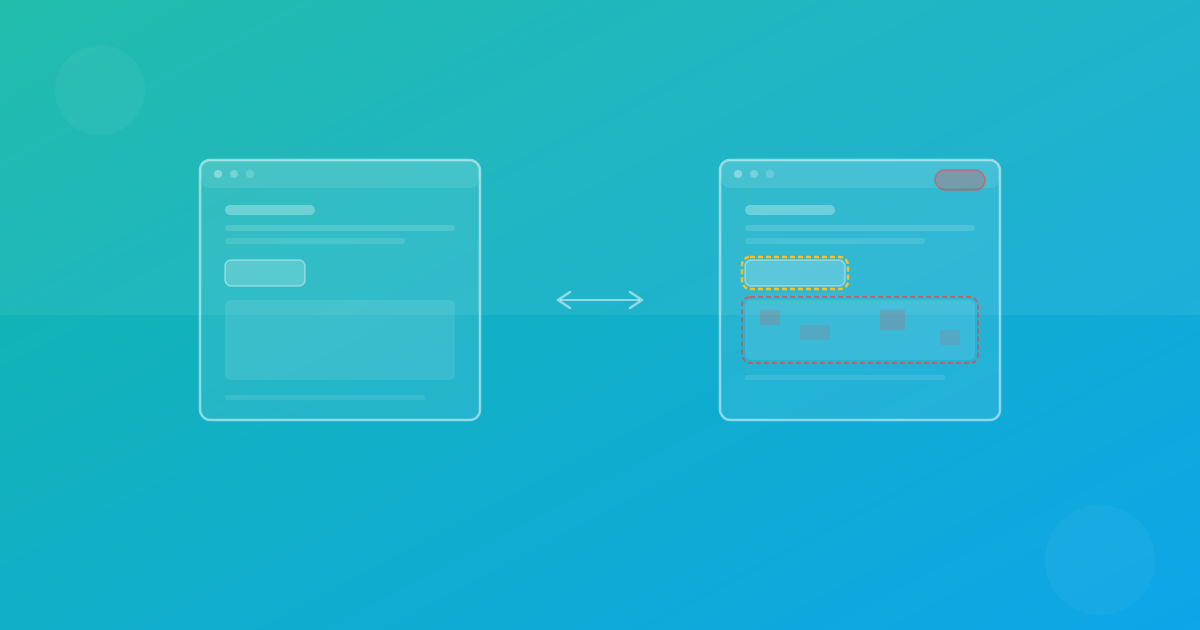
What takes hours manually takes minutes with automated testing. A single test run can capture screenshots across Chrome, Firefox, and Safari on dozens of device presets simultaneously. Pixel-level diff comparison highlights exactly what changed, eliminating the need for subjective manual review.
Monitor Continuously Without Human Effort
Scheduled visual monitoring runs automatically — daily, weekly, or on any custom schedule. If a CMS update, third-party script change, or browser update introduces a visual regression, you are notified immediately instead of waiting for a customer complaint.
Build a Quality Record
Every test run produces timestamped screenshots and diff reports. This creates an audit trail that serves as quality documentation for clients, stakeholders, and compliance requirements.
The ROI Calculation
Here is a straightforward way to evaluate the return on investment for automated visual testing:
Cost of the tool: A professional visual testing plan costs roughly €19 to €49 per month, depending on your needs.
Cost of one visual bug in production:
- Developer time to investigate and fix: 1–2 hours (€50–150)
- Context switching cost: 1–2 additional hours of lost productivity
- Support ticket handling: 30 minutes per report
- For e-commerce: potentially hundreds or thousands in lost revenue
- For agencies: one or more revision cycles (€200–500 per cycle)
Frequency of visual bugs without automated testing: Most teams shipping weekly encounter at least one or two visual regressions per month that make it to production.
Even in the most conservative scenario — one prevented production bug per month — the tool pays for itself immediately. In realistic scenarios with multiple projects and regular deployments, the return is a significant multiple of the cost.
What a Good Visual Testing Workflow Looks Like
A practical, cost-effective visual testing workflow does not require enterprise infrastructure:
- Set up a project for each site or application you maintain
- Establish baselines by running an initial test across your target browsers and devices
- Run comparison tests before each deployment to catch regressions
- Review diffs and approve intentional changes or flag bugs
- Set up scheduled monitoring for production sites to catch issues between deployments
- Configure notifications via email or Slack so the right people are alerted immediately
With ScanU, this entire workflow runs in the cloud with no local infrastructure required. Cross-browser testing across Chrome, Firefox, and Safari is included in every plan, and 100+ device presets cover the full range of screen sizes your users actually have.
The Bottom Line
Visual bugs are a hidden cost center. They are cheap to fix but expensive to miss. Automated visual testing eliminates the most common source of preventable production issues for a fraction of what those issues cost when they slip through.
The question is not whether you can afford visual testing. It is whether you can afford not to have it.