Visual Testing for E-Commerce: Protect Revenue by Catching UI Bugs Before Customers Do
A misaligned checkout button or broken product layout costs real money. Learn how automated visual testing helps e-commerce teams protect conversion rates across every browser and device.
Visual Testing for E-Commerce: Protect Revenue by Catching UI Bugs Before Customers Do
In e-commerce, every page is a revenue page. A broken product image, a misaligned "Add to Cart" button, or a checkout form that renders incorrectly on Safari does not just look bad — it directly costs you sales.
Unlike functional bugs that throw errors and trigger alerts, visual bugs are silent. They do not crash the site. They do not log exceptions. They just quietly reduce your conversion rate while your monitoring dashboards show green across the board.
Automated visual testing catches these issues before they reach customers.
Why E-Commerce Sites Are Especially Vulnerable to Visual Bugs
E-commerce sites have characteristics that make them more prone to visual regressions than typical web applications:
Frequent Content Changes
Product catalogs update constantly. New products, updated prices, promotional banners, seasonal campaigns — each change is an opportunity for something to break visually. A promotional banner with longer-than-expected text can push a page layout out of alignment. A new product image with different dimensions can break a carefully designed grid.
Complex Layouts Across Devices
E-commerce pages are layout-heavy. Product grids, filter sidebars, price displays, variant selectors, size charts, and multi-step checkouts all need to render correctly across screen sizes. A layout that works on a 1920px desktop monitor may collapse on a 375px phone screen in ways that are not obvious during development.
Third-Party Dependencies
Payment processors, analytics scripts, chat widgets, review platforms, and recommendation engines all inject content into your pages. Any of these third-party scripts can introduce visual changes without any code change on your side. A script update from a review widget provider can shift your entire product page layout.
High Stakes Per Page
On a blog, a visual bug is an annoyance. On an e-commerce product page, it is lost revenue. If a customer cannot see the price clearly, cannot find the purchase button, or encounters a layout that looks broken, they leave. They do not file a bug report — they go to a competitor.
Critical Pages to Monitor Visually
Not every page carries equal risk. Focus visual testing on the pages that directly impact revenue:
Product Pages
The product page is where purchase decisions happen. Visual elements that matter most:
- Product image gallery rendering
- Price and discount display accuracy
- "Add to Cart" button visibility and positioning
- Size and variant selectors
- Product description layout
- Review section formatting
Category and Search Results Pages
These pages drive product discovery. Visual issues to watch for:
- Product grid alignment and spacing
- Filter sidebar rendering on mobile
- Pagination controls
- Sort dropdown functionality appearance
- Product card consistency (images, titles, prices)
Cart and Checkout
The checkout flow is where revenue is finalized. Any visual friction here has an outsized impact on conversion:
- Cart item layout and pricing display
- Checkout form field alignment
- Payment method selector rendering
- Order summary accuracy
- Mobile checkout flow layout
Homepage and Landing Pages
These are your highest-traffic entry points. First impressions form in seconds:
- Hero banner rendering across viewports
- Promotional section layout
- Navigation menu display on all devices
- Featured product sections
- Trust signals and security badges
How Automated Visual Testing Protects E-Commerce Revenue
Cross-Browser Consistency
Your customers use Chrome, Safari, Firefox, and Edge. A checkout flow that works in Chrome but misaligns in Safari affects a significant portion of your audience — particularly on iOS, where all browsers use WebKit.
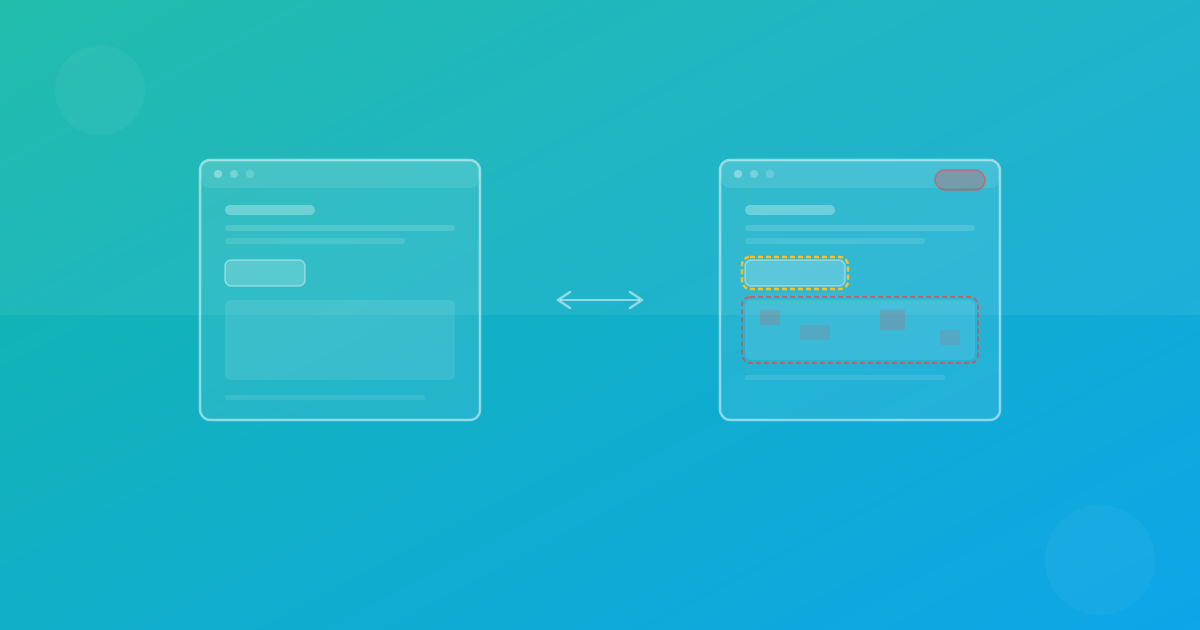
Automated visual testing captures screenshots across all major browsers simultaneously. Instead of manually checking each one, you review a single set of diffs that highlights exactly where browsers render differently.
With ScanU, Chrome, Firefox, and Safari testing is included in every plan. No add-on fees, no per-browser charges.
Device Coverage at Scale
Your analytics probably show traffic from dozens of different devices and screen sizes. You cannot manually test on all of them.
Visual testing tools with built-in device presets solve this by automatically capturing screenshots at the resolutions that match real devices — from iPhone SE to 4K desktop monitors. ScanU offers over 100 device presets covering mobile phones, tablets, laptops, and desktop displays.
Continuous Monitoring Between Deployments
Visual regressions do not only happen during deployments. Third-party script updates, CMS content changes, and even browser updates can introduce visual changes on live production pages.
Scheduled visual monitoring catches these silent regressions automatically. Set a daily or weekly check on your critical pages, and get notified immediately when something changes. This is especially important for e-commerce, where every hour of a broken checkout page has a measurable cost.
Before-and-After Deployment Verification
The safest deployment workflow for e-commerce includes visual testing:
- Run a baseline test on your current production pages
- Deploy your changes to staging
- Run a comparison test against the baseline
- Review diffs — approve intentional changes, flag regressions
- Fix any issues before promoting to production
- Run a final verification test on production after deployment
This process takes minutes with automated tooling and eliminates the "ship and hope" approach that leads to production visual bugs.
Real Scenarios Where Visual Testing Saves Revenue
The invisible checkout button. A CSS update shifts the "Place Order" button below the fold on mobile devices. Desktop testing does not catch it because the layout is fine on larger screens. Mobile conversion drops 15% overnight. Automated visual testing with mobile device presets would catch this immediately.
The broken product grid. A new product with an unusually long title breaks the product card grid on category pages. Cards overlap, prices become unreadable. The development team does not notice because they tested with standard-length product titles. Visual regression testing against the real catalog catches the issue.
The third-party script surprise. A chat widget provider updates their script. The widget overlay now covers the "Add to Cart" button on tablet-sized screens. No code changed on your side, no deployment triggered it, and your functional tests all pass. Scheduled visual monitoring detects the layout shift.
Building an E-Commerce Visual Testing Workflow
Here is a practical approach for e-commerce teams:
Weekly scheduled monitoring on critical pages (homepage, top product pages, checkout flow). Configure notifications to alert the team when visual changes are detected.
Pre-deployment comparison tests on every release that touches frontend code. Compare across Chrome, Firefox, and Safari at mobile, tablet, and desktop resolutions.
Post-deployment verification on production after each release. Confirm that production matches what was approved in staging.
Monthly device coverage review. Check your analytics for the most common devices and screen sizes, and make sure your visual test configurations cover them.
Start Protecting Your Revenue
ScanU gives e-commerce teams the visual testing coverage they need without the complexity or cost of enterprise tools. With a free tier offering 500 screenshots per month, you can start monitoring your most critical pages immediately.
Set up your first project, select your browsers and devices, run a test, and see the results in minutes. No infrastructure to configure. No scripts to write. Just clear, actionable visual diffs that show you exactly how your site looks — everywhere.