Achieving Cross-Browser Visual Consistency in 2026
Chrome, Firefox, Safari, and Edge all render your CSS slightly differently. Learn the techniques for achieving pixel-level consistency across every browser your users run.

The Browser Rendering Reality
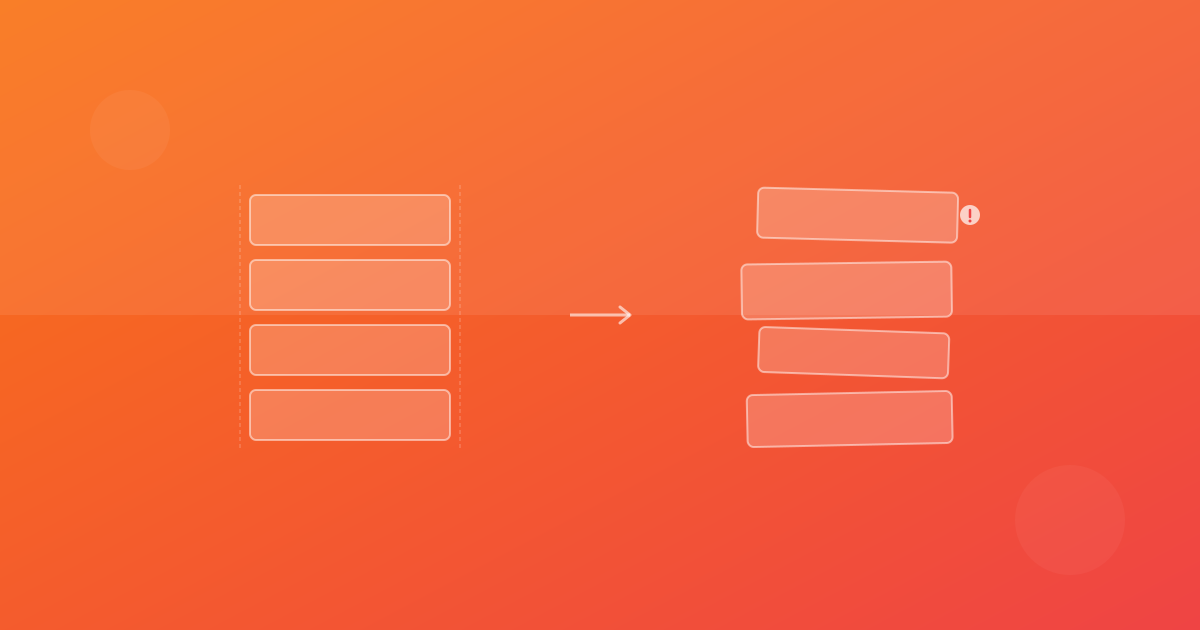
Despite years of web standards convergence, browsers still render CSS differently. The differences are usually subtle, but they add up:
- Font rendering varies significantly between browsers and operating systems
- Sub-pixel rendering produces different anti-aliasing patterns
- Box shadow and filter implementations differ in edge cases
- Scrollbar styles are completely different across platforms
- Form elements have unique default styles per browser
These differences mean a "pixel-perfect" design in Chrome might look subtly wrong in Safari and noticeably different in Firefox.
Measuring Cross-Browser Differences
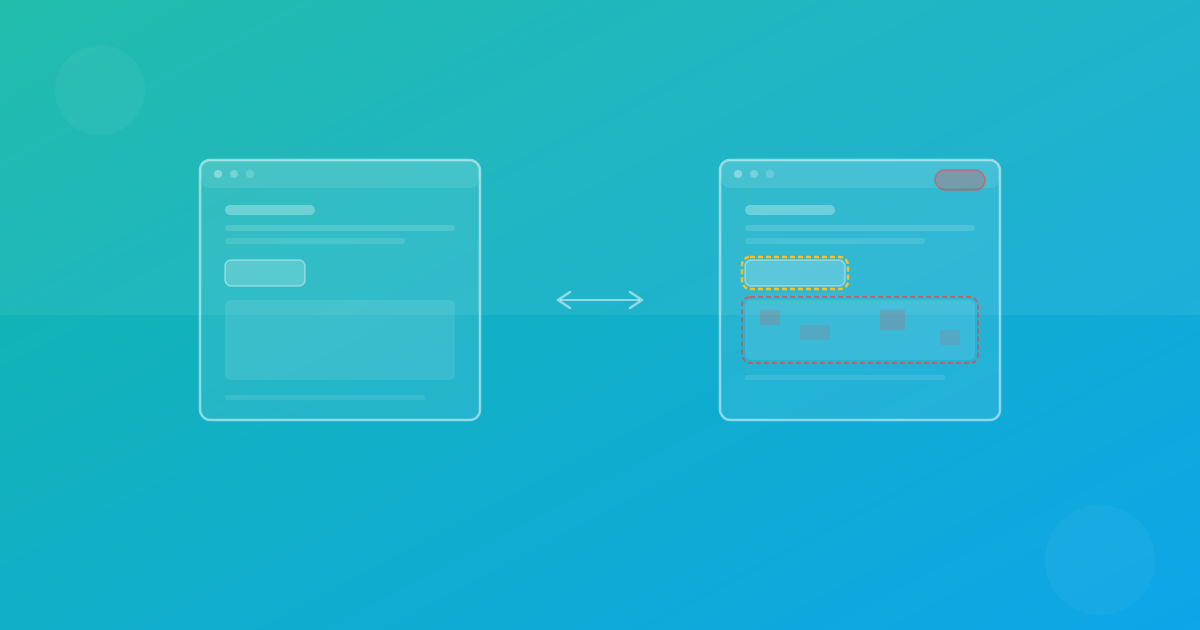
The first step is to quantify how much your UI varies across browsers. Capture screenshots in each target browser and compare them:
const browsers = ['chromium', 'firefox', 'webkit'] as const

for (const browser of browsers) {
  test.describe(`${browser} visual tests`, () => {
    test.use({ browserName: browser })

    test('homepage renders correctly', async ({ page }) => {
      await page.goto('/')
      await expect(page).toHaveScreenshot(`homepage-${browser}.png`)
    })
  })
}
Note that each browser has its own baseline. You are not comparing Chrome screenshots to Safari screenshots; you are comparing each browser against its own previous state.
Common Cross-Browser Visual Issues
Font weight rendering
macOS renders font weights slightly heavier than Windows. A font-weight: 400 on macOS can look like font-weight: 300 on Windows. Use font-synthesis: none and explicitly include all font weights you need.
Flexbox gap inconsistencies
While the gap property is well-supported, some older browsers compute gap differently when combined with flex-wrap. Test wrapped flex layouts carefully across browsers.
Color space differences
Browsers handle color profiles differently. A color: hsl(210, 100%, 50%) might render as a slightly different blue depending on the browser color management pipeline. Use the color() function with explicit color spaces for critical brand colors:
.brand-blue {
  color: color(display-p3 0.2 0.4 0.9);
}
Scroll behavior
scroll-behavior: smooth animates differently across browsers. overscroll-behavior has inconsistent support. scroll-snap alignment can vary by a pixel or two.
Strategies for Consistency
CSS Reset / Normalize
Start every project with a comprehensive CSS reset that eliminates browser default style differences:
*, *::before, *::after {
  box-sizing: border-box;
  margin: 0;
  padding: 0;
}

button, input, select, textarea {
  font: inherit;
  color: inherit;
}
System font stack
If you are not using web fonts, use a system font stack that selects the best available font per platform:
font-family: -apple-system, BlinkMacSystemFont, 'Segoe UI', Roboto,
  'Helvetica Neue', Arial, sans-serif;
Feature detection over browser detection
Use @supports to progressively enhance rather than targeting specific browsers:
.card {
  background: hsl(0 0% 98%);
}

@supports (backdrop-filter: blur(10px)) {
  .card {
    background: hsl(0 0% 98% / 0.8);
    backdrop-filter: blur(10px);
  }
}
Web fonts for consistency
The single most effective way to achieve cross-browser visual consistency is to use web fonts. When every browser loads the same font files, you eliminate the largest source of rendering differences.
@font-face {
  font-family: 'Inter';
  src: url('/fonts/Inter-Variable.woff2') format('woff2');
  font-weight: 100 900;
  font-display: swap;
}
The 95% Rule
Aim for 95% visual consistency across browsers, not 100%. The last 5% often involves sub-pixel differences in anti-aliasing and font rendering that are invisible to users but expensive to eliminate. Set your visual testing thresholds to tolerate this natural variance while still catching meaningful regressions.
The goal is not identical pixels in every browser. The goal is a consistent, high-quality experience for every user regardless of their browser choice.
Continue with ScanU
If you want to apply these techniques in production, start with a focused set of pages and run baseline screenshot comparison after every meaningful UI change. You can review plans on Pricing, implementation details in the FAQ, and product capabilities on Features.