Baseline vs Current Screenshot Comparison: A Team Playbook
How to build a reliable baseline vs current screenshot comparison workflow for visual regression testing, including ownership, triage, and update discipline.

Baseline vs Current Screenshot Comparison: A Team Playbook
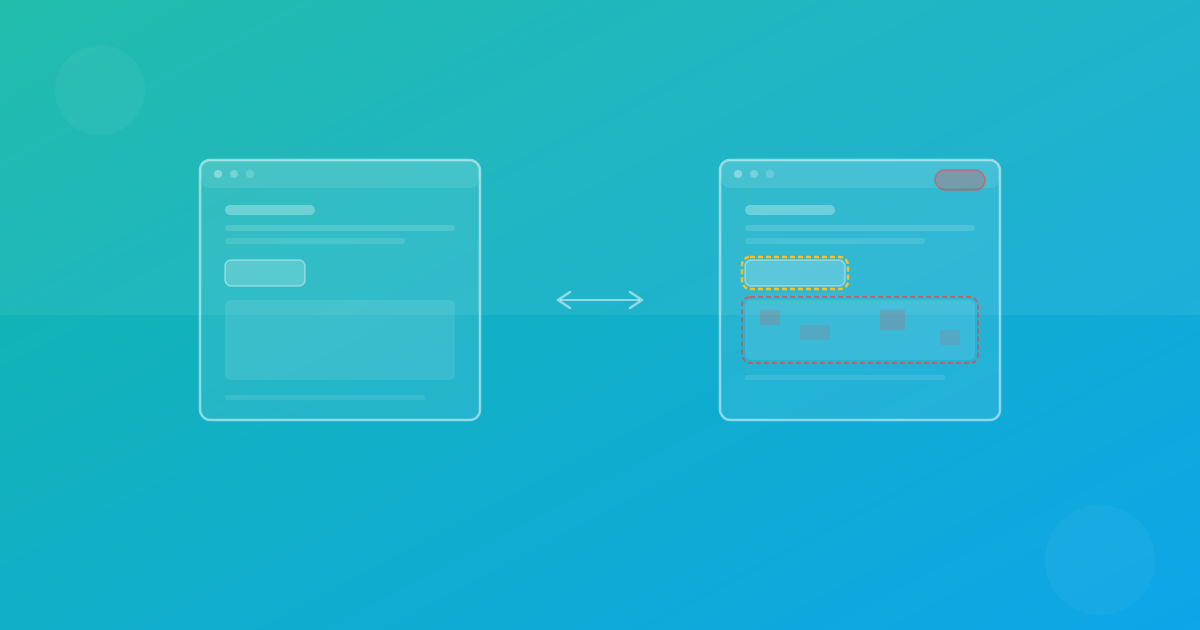
Baseline vs current screenshot comparison is the core mechanic of visual regression testing. The concept is simple: compare what your UI looked like previously against what it looks like now. The execution, however, requires process discipline. This guide focuses on the practical decisions teams need to avoid noisy diffs and accidental regressions.
Why baseline strategy matters
A baseline is not just an image file. It is a quality contract for a page state in a specific browser/device context. If that contract changes without review, your visual tests become unreliable.
Strong teams treat baselines as versioned quality artifacts:
- Created from stable runs.
- Reviewed by accountable owners.
- Updated only for intentional UI changes.
- Traceable to pull requests or releases.
Define comparison units clearly
Every screenshot comparison should map to a defined unit:
- URL or page state.
- Browser engine.
- Device preset.
- Optional locale/theme variant.
This prevents ambiguous diffs and makes triage faster. In ScanU, these units are visible in run context, which helps reviewers understand exactly what changed.
How teams lose signal
Common anti-patterns include:
- Updating baselines automatically on every run.
- Mixing dynamic and stable pages in strict suites.
- Approving diffs without design review.
- Capturing before page state settles.
- Running comparisons in inconsistent environments.
All five patterns increase false confidence.
A practical triage framework
For each detected diff, classify into one category:
- Intended change: approve baseline update.
- Unintended regression: fix code and rerun.
- Environment noise: stabilize setup, no baseline update.
- Unknown: escalate with reproduction steps.
Add structured notes in PR comments so future reviewers can understand prior decisions.
Improving screenshot diff quality
Stabilize input and rendering
- Use seeded test data.
- Freeze dynamic date/time output where possible.
- Keep font loading deterministic.
- Avoid animation frames during capture.
Scope by business risk
Put critical journeys in strict suites. Use relaxed thresholds only where unavoidable.
Separate approval authority
Developers can propose updates; designated owners approve final baseline changes.
Cross browser layout testing implications
The same page may differ slightly across Chromium, Firefox, and WebKit. Do not compare browser engines against each other; compare each engine against its own historical baseline. This keeps detection meaningful and supports true cross browser visual testing.
For responsive design, the same principle applies by viewport. Each device preset should have its own comparison lineage.
Threshold tuning without hiding bugs
Thresholds are useful but often misused. Treat threshold tuning as precision calibration:
- Start stricter on high-value pages.
- Increase only when proven noise is non-actionable.
- Track threshold changes in team docs.
- Re-evaluate quarterly.
If thresholds only move upward, your process may be hiding real regressions.
Baseline lifecycle management
A baseline lifecycle for mature teams:
- Create from verified release state.
- Validate in core browsers and breakpoints.
- Monitor with recurring comparisons.
- Update when changes are intentional and approved.
- Retire outdated pages or variants.
ScanU retention settings influence how far back you can inspect this lifecycle, so align retention with QA governance needs.
CI/CD integration pattern
A practical visual testing CI/CD flow:
- PR opens.
- Build and smoke checks run.
- ScanU run triggered.
- Diff summary posted on PR.
- Reviewers decide accept/reject.
- Merge gate applies based on policy.
This turns baseline screenshot comparison into a predictable release signal instead of an afterthought.
Real-world decision examples
Example 1: CTA button moved by 8px
If design update intentionally changed spacing and appears correctly across breakpoints, approve baseline update.
Example 2: Price card overlaps on tablet only
Regression. Reject, fix layout rules, rerun.
Example 3: Footer icon anti-aliasing changed by 1px
Likely rendering noise. Confirm pattern, tune threshold if recurring.
Example 4: Font fallback appears in one browser
Potential load or CSS issue. Investigate assets, caching, and font-display settings.
What “good” looks like after 90 days
You should see:
- Lower false-positive ratio.
- Faster diff review turnaround.
- Fewer post-release visual incidents.
- Clear audit trail for baseline decisions.
- Consistent cross browser layout confidence.
If not, revisit stabilization and ownership before expanding scope.
Final guidance
Baseline vs current screenshot comparison is only as reliable as the workflow around it. With defined units, review ownership, and controlled updates, visual regression testing becomes a dependable quality system. ScanU can provide centralized history and diff review, but team process remains the critical success factor.
Continue with ScanU
See plan and retention options on Pricing, implementation details in FAQ, and platform capabilities on Features.
Scaling baseline operations across multiple teams
When multiple squads share one product surface, baseline governance becomes organizational. Create page ownership maps so each team is responsible for its own comparison contexts. This prevents approval bottlenecks and reduces accidental acceptance of unrelated diffs.
A useful structure is domain-level ownership: acquisition pages, billing flows, dashboard modules, and settings. Each domain has default threshold guidance and designated fallback reviewers for vacations or incident periods.
Incident response using historical comparisons
Historical baseline records are valuable during production incidents. If a customer reports a broken layout, compare current captures against recent approved runs to identify when the change first appeared. This narrows root-cause search significantly and can accelerate rollback decisions.
Store incident links with related diff evidence. Over time, this creates a high-value knowledge base of recurring failure patterns and prevention steps.
Change management best practices
For large redesigns, avoid one massive baseline update. Instead:
- Roll out by page group.
- Approve each group independently.
- Document expected visual deltas before implementation.
- Track completion status publicly.
This phased method protects signal quality and keeps reviewers focused.
Quality maturity model
You can assess baseline comparison maturity in four stages:
- Ad hoc: screenshots exist, no policy.
- Defined: ownership and basic triage process documented.
- Managed: CI/CD integration and risk-based gating active.
- Optimized: metrics-driven threshold tuning and incident learning loop.
Most teams gain the largest quality jump moving from ad hoc to defined. Process clarity usually beats tooling complexity at this stage.