Visual Regression Testing with Playwright: A Practical Workflow
Learn a production-ready workflow for visual regression testing with Playwright and ScanU, including baseline screenshot comparison, stable test design, and review rules.
Visual Regression Testing with Playwright: A Practical Workflow
Visual regression testing with Playwright is one of the fastest ways to catch layout bugs before release, but teams often struggle with stability, baseline management, and review discipline. This guide explains a practical workflow that combines Playwright scripting with ScanU for managed baseline screenshot comparison, cross browser visual testing, and easier team review.
Why teams combine Playwright and ScanU
Playwright is excellent for navigation, authentication, and deterministic test setup. ScanU is useful when you want a centralized screenshot comparison tool with run history, diff review, and project-level controls. Together, they support an automated visual testing process that scales from a handful of pages to large frontend surfaces.
The most important design decision is this: keep tests deterministic first, then optimize breadth. If your page state is unstable, no diff algorithm can rescue signal quality.
Step 1: Define high-value visual journeys
Start with critical pages where UI regressions are expensive:
- Homepage and pricing for conversion-sensitive marketing flows.
- Login and onboarding for activation.
- Core dashboard states for product trust.
- Checkout/billing surfaces for revenue.
Do not start with full-site coverage on day one. Better signal on ten pages beats noisy signal on two hundred. As confidence grows, expand coverage intentionally.
Step 2: Build deterministic Playwright setup
Use Playwright to standardize page state before screenshot capture. A typical pattern:
import { test, expect } from '@playwright/test'

test('dashboard visual baseline', async ({ page }) => {
  await page.goto('https://example.com/dashboard')
  await page.waitForLoadState('networkidle')

  // Optional: hide volatile widgets, fixed dates, seeded test data
  await page.addStyleTag({ content: '.clock-widget { visibility: hidden; }' })

  await expect(page).toHaveScreenshot('dashboard.png')
})
The goal is stable rendering, not clever code. Remove randomness, keep network behavior predictable, and avoid screenshot timing races.
Step 3: Baseline screenshot comparison strategy
In ScanU, treat your first approved run as your baseline. Every future run is compared against that reference.
A useful baseline model:
- Primary baseline for production-like pages.
- Feature branch checks for pending UI work.
- Controlled baseline updates only when design changes are intentional.
Without ownership, baselines drift and regressions are normalized by accident. Assign baseline approval rights to a specific role (frontend lead or design-system owner).
Step 4: Choose browser and device scope deliberately
Cross browser visual testing is where hidden regressions appear. Chromium, Firefox, and WebKit can render typography, line heights, and spacing differently.
Use a layered scope:
- PR checks: small browser/device set for speed.
- Pre-release checks: broader browser coverage.
- Scheduled checks: wide responsive matrix for long-tail pages.
For responsive QA, pick representative presets instead of every possible viewport. You want risk coverage, not infinite permutations.
Step 5: Integrate visual testing in CI/CD
A simple CI pipeline looks like this:
- Build app.
- Run Playwright prep or smoke navigation.
- Trigger ScanU scan with selected URLs.
- Read run status and diff summary.
- Post report links on pull request.
- Block merge if regression policy requires it.
This is where visual testing CI/CD moves from “nice to have” to release control. If the rule is optional, regressions will ship under deadline pressure.
Step 6: Make diff review operational, not subjective
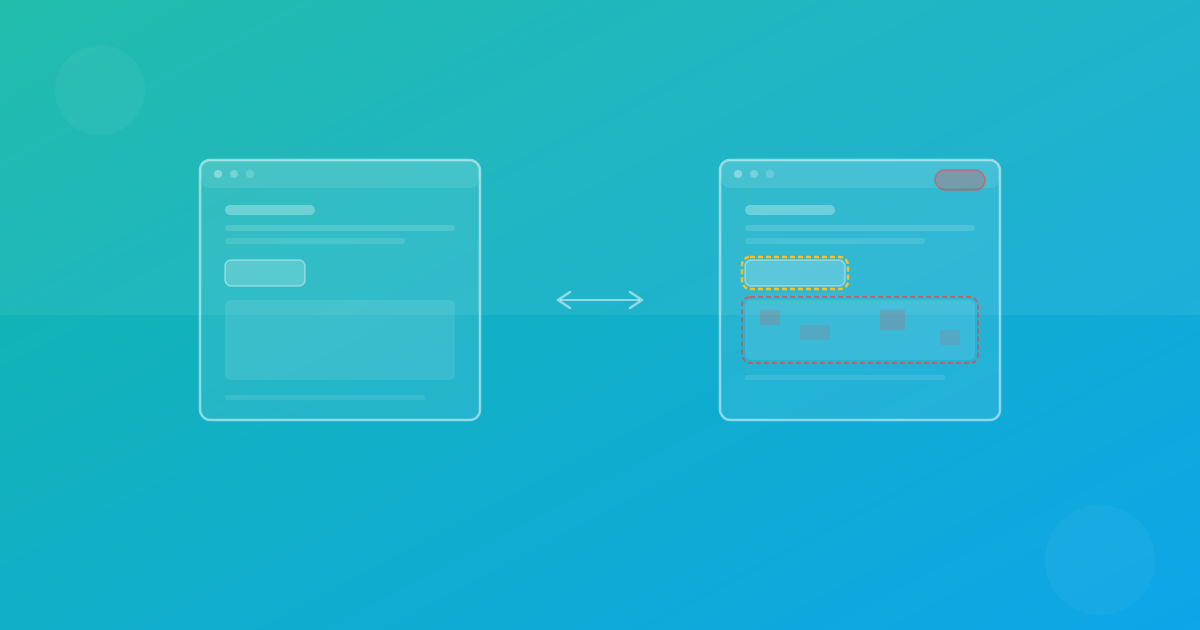
Define explicit decisions for each diff:
- Accept: intentional product change.
- Reject: real regression to fix.
- Investigate: unclear difference requiring reproduction.
Add standard reviewer notes: affected page, browser, device, expected impact, and decision rationale. That creates searchable history and improves future triage.
Handling noisy pages without losing coverage
Some pages are naturally volatile: user feeds, dynamic ads, rotating testimonials, and timestamp-heavy views. Avoid deleting them from coverage immediately. Instead:
- Stabilize input data where possible.
- Increase threshold modestly.
- Separate “strict” and “noisy” suites.
- Use consistent capture timing after load settles.
The objective is automated visual testing signal, not perfect pixel identity in unstable contexts.
A practical baseline vs current checklist
Before approving baseline updates, ask:
- Is the change intentional and documented?
- Does it appear across all expected browsers?
- Did responsive behavior remain valid at key breakpoints?
- Are typography and spacing still design-system compliant?
- Is this update narrowing or widening known risk?
This checklist prevents rushed approvals and keeps historical comparisons meaningful.
Common mistakes in visual regression testing with Playwright
Mistake 1: Capturing too early
Taking screenshots before page stabilization creates false positives. Wait for stable state, not only initial paint.
Mistake 2: Mixing environments
Different fonts, timezone settings, and browser versions create avoidable diffs. Keep execution environment controlled.
Mistake 3: Unlimited page scope
Large suites with no prioritization overwhelm reviewers. Start narrow, then scale.
Mistake 4: Baseline updates without ownership
If everyone can approve everything, no one owns quality. Define ownership.
Recommended rollout plan
Week 1–2:
- Cover 10–20 high-value pages.
- One browser + key responsive preset.
- Manual diff review.
Week 3–4:
- Add Firefox/WebKit for core pages.
- Introduce PR comments with ScanU links.
- Document acceptance criteria.
Month 2+:
- Expand pages by business impact.
- Add scheduled deep scans.
- Track regression trends over time.
This phased rollout gives predictable adoption and measurable reduction in UI incidents.
Final guidance
If your team wants fewer layout surprises, implement visual regression testing with Playwright as a disciplined workflow, not a one-off script. Deterministic setup, controlled baseline updates, and clear CI/CD policy are the foundations. ScanU can provide the centralized baseline screenshot comparison and review layer while Playwright handles stateful navigation and setup logic.
Continue with ScanU
Review plan limits on Pricing, implementation details on FAQ, and current platform capabilities on Features.