The Complete Guide to Visual Regression Testing in 2026
Learn how visual regression testing catches UI bugs before your users do. From baseline screenshot comparison to cross browser visual testing workflows, here is everything you need to know.
What Is Visual Regression Testing?
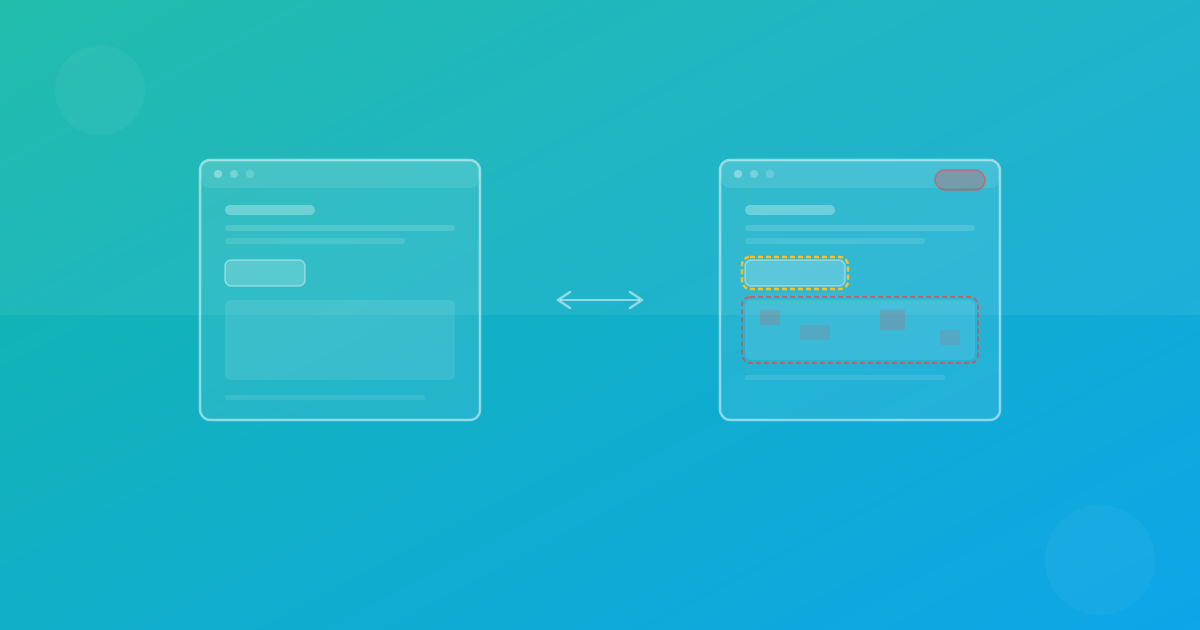
Visual regression testing is the practice of automatically comparing screenshots of your UI across code changes to detect unexpected visual differences. Unlike unit or integration tests that validate logic, visual tests validate what your users actually see.
Every time you ship a CSS refactor, upgrade a dependency, or refactor a component, there is a risk of unintended visual side effects. A misaligned button. A clipped headline. A color that shifted from your brand palette. These are the bugs that slip through traditional test suites.
Why Traditional Tests Miss Visual Bugs
Consider a typical test for a button component:
test('renders the submit button', () => {
  render(<SubmitButton />)
  expect(screen.getByRole('button')).toBeInTheDocument()
  expect(screen.getByText('Submit')).toBeVisible()
})
This test confirms the button exists and has the right text. But it tells you nothing about whether the button is the right color, properly aligned, or overlapping another element. Visual regression testing fills this gap.
How Screenshot Diffing Works
The core algorithm behind visual regression testing is pixel-level comparison. Here is the typical workflow:
- Capture baseline - Take screenshots of your UI in a known-good state
- Capture current - Take screenshots after your code changes
- Diff the images - Compare every pixel between baseline and current
- Report differences - Highlight regions that changed
The diffing algorithm walks through each pixel coordinate and computes a distance metric (often in CIELAB color space for perceptual accuracy). Pixels that differ beyond a configurable threshold are flagged as regressions.
Dealing With False Positives
Pixel-perfect comparison sounds great in theory, but in practice you will encounter noise:
- Anti-aliasing differences across rendering engines
- Font rendering variations between OS versions
- Animated content captured at different frames
- Dynamic data like timestamps or user-generated content
Modern workflows address these with configurable thresholds, stable test data, and careful review rules that separate meaningful regressions from rendering noise.
Choosing the Right Tool
The market for visual testing tools has matured significantly. Here are the key categories:
Open Source Frameworks
Some teams build in-house or framework-level screenshot pipelines directly in their test suite. The trade-off is usually greater setup and maintenance responsibility.
Managed Platforms
Platforms like ScanU.eu handle the infrastructure, baseline management, and diffing algorithms for you. You focus on writing tests; the platform handles the heavy lifting of screenshot capture, comparison, and reporting.
Managed Testing Platforms
Managed platforms focus on reliable screenshot capture, baseline management, and human-review workflows. ScanU currently focuses on deterministic screenshot diffing, configurable thresholds, and review tooling rather than AI-based intent prediction.
Setting Up Your First Visual Test
Getting started is simpler than you might think. Here is a basic setup using Playwright with screenshot assertions:
import { test, expect } from '@playwright/test'

test('homepage renders correctly', async ({ page }) => {
  await page.goto('/')
  await expect(page).toHaveScreenshot('homepage.png', {
    maxDiffPixels: 100,
  })
})
This captures a screenshot, compares it against a stored baseline, and fails if more than 100 pixels differ. Run it in CI on every pull request to catch visual regressions before they ship.
Best Practices
After helping hundreds of teams implement visual testing, here are the patterns that consistently deliver the best results:
Start with critical paths
Do not try to test every page on day one. Begin with your most important user flows: landing page, checkout, dashboard. Expand coverage gradually.
Use consistent environments
Visual tests are only reliable when the rendering environment is deterministic. Use Docker containers or managed cloud browsers to eliminate OS-level rendering differences.
Review diffs carefully
Not every visual change is a regression. Sometimes the diff reveals an intentional design update. Build a review workflow where designers and developers can approve or reject changes together.
Integrate with CI/CD
Visual tests deliver the most value when they run automatically on every pull request. Block merges on visual regressions just like you would block on failing unit tests.
Building a Practical Workflow Today
The most effective teams focus on repeatability: stable environments, clear baseline ownership, and fast review loops. If your process consistently catches layout regressions before release, you already have a high-value visual testing system.
Continue with ScanU
If you want to apply these techniques in production, start with a focused set of pages and run baseline screenshot comparison after every meaningful UI change. You can review plans on Pricing, implementation details in the FAQ, and product capabilities on Features.