CSS Drift: The Silent Killer of Design Systems
Your design system looks perfect in Figma. But over months of development, the implemented UI slowly drifts from the source of truth. Here is how to detect and prevent CSS drift.
What Is CSS Drift?
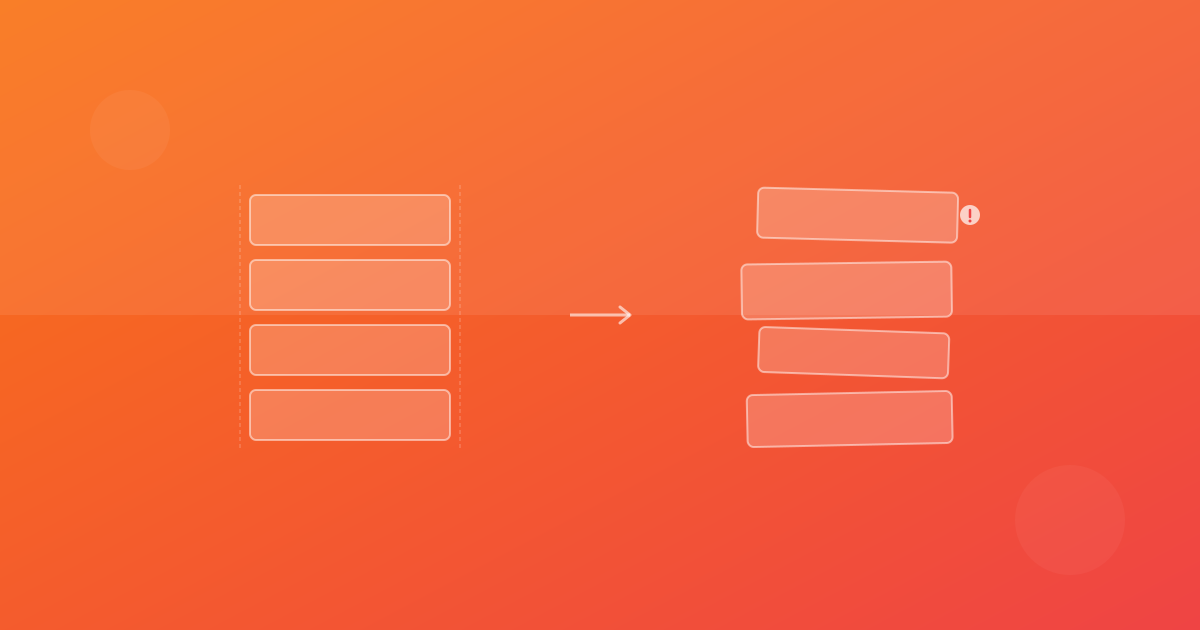
CSS drift is the gradual, unintentional divergence between your designed UI and the implemented UI. It happens slowly, one commit at a time, until one day someone opens the app and says "this does not look like our designs at all."
Unlike a catastrophic CSS bug that breaks the page, drift is subtle. A margin that is 12px instead of 16px. A font weight that is 500 instead of 600. A border radius that is 4px instead of 8px. Each individual difference is trivial, but accumulated over months, they erode the quality and consistency of your product.
How Drift Happens
Quick fixes under pressure
A developer needs to fix an alignment issue before a release. Instead of updating the design token, they add a local override. Problem solved for now, but the component now deviates from the system.
Incomplete specs
The design specifies a component at desktop width but not at mobile. The developer makes their best guess at the responsive behavior, which may not match what the designer intended.
Token misuse
Design tokens are only as good as their adoption. When developers use raw values (padding: 16px) instead of tokens (padding: var(--space-4)), the connection between design intent and implementation is lost.
Dependency updates
A Tailwind or component library update subtly changes default values. Your rounded-lg used to be 8px and is now 12px. Nobody notices until a sharp-eyed designer reviews the production site months later.
Measuring Drift
You cannot fix what you cannot measure. Here are approaches to quantifying CSS drift:
Visual diffing against design files
Export your Figma designs as images and compare them against screenshots of your implemented UI. The pixel difference gives you a concrete drift metric.
Token coverage analysis
Audit your codebase for raw CSS values that should be design tokens. The percentage of raw values vs. token usage is a proxy for drift risk.
# Find raw pixel values in CSS/Tailwind that might be drift
grep -rn 'p-\[.*px\]\|m-\[.*px\]\|gap-\[.*px\]' src/
Snapshot testing at the component level
Maintain visual baselines for every component in your design system. Run visual tests on every PR to catch drift before it ships.
Preventing Drift
Automated visual reviews
Make visual testing a required CI check. When a component changes visually, require sign-off from both engineering and design before merging.
Design token enforcement
Use linting rules to prevent raw CSS values where tokens exist. Tools like Stylelint can flag violations:
{
  "rules": {
    "declaration-property-value-disallowed-list": {
      "/^(margin|padding|gap)/": ["/\\d+px/"]
    }
  }
}
Regular design audits
Schedule quarterly reviews where your design system team compares the implemented UI against the current Figma source of truth. Document and prioritize drift corrections.
Component playgrounds
Maintain a living style guide (Storybook, Chromatic, or similar) that renders every component variant. Visual test this playground on every PR to catch drift early.
The Cost of Ignoring Drift
Teams that ignore CSS drift eventually face a painful reckoning: a "design system refresh" that consumes weeks of engineering time to realign implementation with design. By that point, the drift has often compounded into hundreds of small discrepancies across dozens of components.
It is far cheaper to prevent drift continuously than to fix it in bulk. Invest in the tooling and processes now, and your design system will maintain its integrity over the long haul.
Continue with ScanU
If you want to apply these techniques in production, start with a focused set of pages and run baseline screenshot comparison after every meaningful UI change. You can review plans on Pricing, implementation details in the FAQ, and product capabilities on Features.