Visual Testing in CI/CD Pipelines: Build Reliable Release Gates
A practical guide to visual testing CI/CD implementation with baseline screenshot comparison, pull request workflows, and release gate policies.
Visual Testing in CI/CD Pipelines: Build Reliable Release Gates
Visual testing CI/CD is valuable only when outcomes are actionable. Many teams run screenshot checks, but few convert them into reliable merge decisions. This article explains how to design visual release gates that balance speed, confidence, and developer experience.
What a strong visual CI/CD pipeline includes
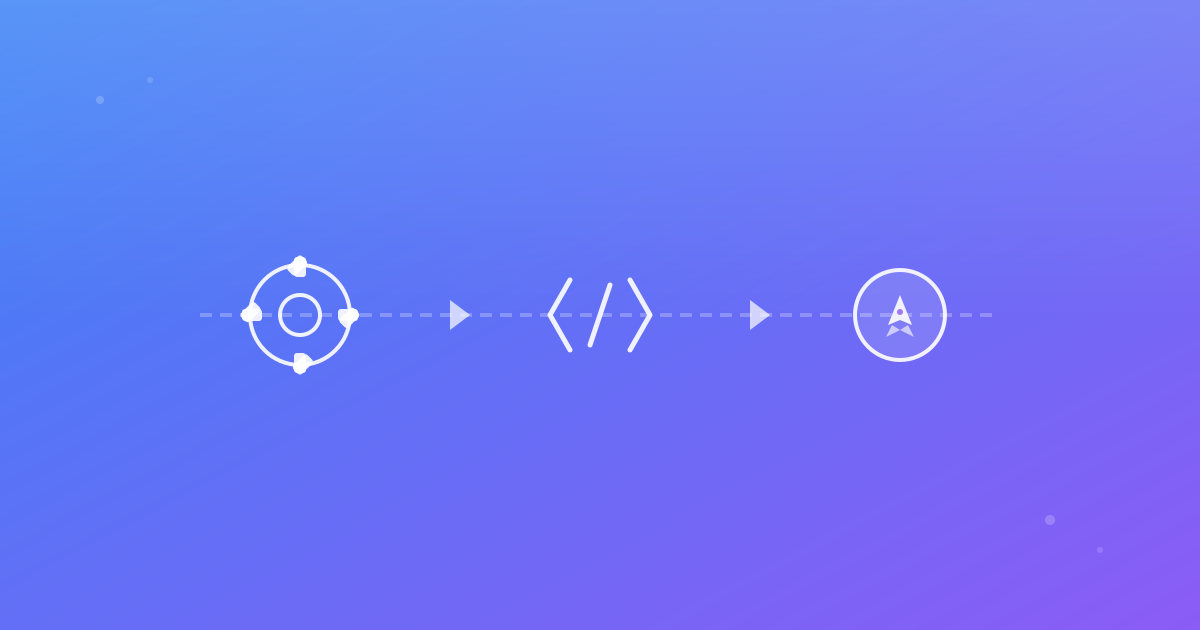
A useful pipeline has five layers:
- Deterministic app build and seed data.
- Automated screenshot capture across defined pages.
- Baseline vs current screenshot comparison.
- Pull-request-level review with links and context.
- Clear gate policy (block, warn, or manual approval).
When one layer is missing, teams either ignore results or spend too much time triaging noise.
Decide where visual checks run
Use two levels:
- PR checks: small and fast, designed for developer feedback.
- Release checks: broader suite before deploy.
This split prevents bottlenecks while keeping high-risk surfaces protected. In ScanU, both levels can use the same project with different URL subsets and browser/device scopes.
Baseline screenshot comparison ownership
CI automation cannot replace ownership. Define who can approve baseline updates, under what conditions, and with what documentation. Recommended controls:
- Baseline updates require linked PR.
- Product/design owner approval for major visual shifts.
- Auto-approval disabled for high-risk pages.
- Decision notes stored in review comments.
Without this, automated visual testing degrades into blind baseline churn.
Example GitHub Actions structure
name: visual-regression
on:
  pull_request:
    branches: [main]

jobs:
  visual:
    runs-on: ubuntu-latest
    steps:
      - uses: actions/checkout@v4
      - uses: actions/setup-node@v4
        with:
          node-version: 22
      - run: npm ci
      - run: npm run build
      - run: npm run test:smoke
      - run: npm run scanu:trigger
The command names vary by project, but the principle stays constant: build, stabilize, scan, review.
Defining pass/fail policy
Use page criticality to set policy tiers:
- Tier A (revenue-critical): block merge on unresolved regressions.
- Tier B (important): require manual approval.
- Tier C (informational): post warning only.
This avoids one-size-fits-all enforcement and aligns visual bug detection with business impact.
Handling flaky diffs in CI
Noisy diffs come from unstable conditions more often than bad comparison logic. Typical causes:
- Delayed webfont loading.
- Third-party widgets with rotating content.
- Time-dependent banners.
- Browser version drift between runs.
Stabilization actions:
- Pin environment and browser versions where possible.
- Wait for settled network state before capture.
- Use controlled data fixtures.
- Keep separate suites for volatile pages.
Pull request ergonomics matter
A pipeline only works if reviewers can interpret results quickly. Good PR output includes:
- Run status summary.
- Number of changed pages.
- Affected browser/device contexts.
- Links to side-by-side and diff views.
- Guidance on next action.
Teams that provide this context reduce back-and-forth and shorten review cycles.
Cross browser visual testing in CI
Running only one browser gives partial confidence. Add Firefox and WebKit at least on high-priority pages. Use this model:
- Chromium in PR for speed.
- Chromium + Firefox + WebKit on merge or nightly.
This captures engine-specific rendering regressions while managing runtime.
Metrics to track after rollout
Measure impact so stakeholders see value:
- Number of visual regressions detected pre-merge.
- Mean time to review and resolve diffs.
- False-positive rate by page group.
- Baseline update frequency.
- Post-release UI incident reduction.
If metrics do not improve, tighten deterministic setup before expanding scope.
Practical rollout timeline
Phase 1: 2 weeks
- Introduce visual CI on 10 core pages.
- Single browser baseline.
- Manual review only.
Phase 2: 2–4 weeks
- Add cross browser checks on critical flows.
- Add policy tiers and merge gates.
- Standardize review comments.
Phase 3: ongoing
- Expand URL coverage.
- Add scheduled broad scans.
- Refine thresholds and stabilization.
Final guidance
Visual testing in CI/CD pipelines should behave like any quality gate: predictable, explainable, and tied to risk. Baseline screenshot comparison is the technical core, but policy and review discipline drive real outcomes. With ScanU, teams can centralize report history and visual decisions while keeping pipeline logic simple.
Continue with ScanU
Compare plans on Pricing, check integration questions on FAQ, and verify available capabilities on Features.
Advanced implementation details for mature teams
As your suite grows, introduce queueing and priority rules. Critical-path scans should run first and report quickly, while long-tail scans can run in parallel with lower urgency. This keeps developer feedback fast without removing broad coverage.
Another improvement is branch-aware baseline policy. For example, release branches can compare against release baselines, while feature branches compare against mainline baseline snapshots. This avoids confusing diffs when multiple long-running initiatives are changing UI simultaneously.
Use naming conventions that encode context: page-group, browser, device, and environment. Clear naming accelerates debugging and makes reporting easier for engineering managers and QA leads.
Governance and audit readiness
If your organization needs auditability, treat visual approvals like other quality evidence. Keep a change log with pull request IDs, reviewer names, decision notes, and approval dates. Retain records according to your policy window.
For regulated teams, this approach turns visual testing from an engineering convenience into a governance asset. You can demonstrate that high-impact UI changes were reviewed and approved before release.
Team communication templates
Create simple templates for recurring outcomes:
- “Intentional visual update approved; baseline updated in PR #1234.”
- “Unexpected regression on Firefox/tablet; fix required before merge.”
- “Known dynamic content noise on marketing ticker; no baseline change.”
Standard language reduces ambiguity and speeds collaboration across product, design, and engineering.
Final checklist before enforcing hard gates
Before switching warnings to blocking status, confirm:
- Baseline ownership is defined and staffed.
- Flaky pages are stabilized or segmented.
- Review SLAs are realistic for your release pace.
- Rollback procedure exists for urgent fixes.
- Teams are trained on interpretation of diff reports.
Once these are in place, visual testing ci cd becomes a dependable release contract rather than an experimental signal.